
Camera Grid
It reads the scene. Then the grid.
- Status
- On the App Store
- Platforms
- iPhoneiPad
- Made
- October 2026
- Role
- Design, code, website
- Built with
- AVFoundationVisionWidgetKitSwiftUI
- Website
- cameragrid.app
31 guides
It picks the composition that fits the scene, draws it live and scores your framing as you aim.
Why I built it
Every camera app shows the same rule-of-thirds grid, whatever you point it at. A portrait, a reflection and a plate of food need different guides. I wanted a camera that knows which one.
How it works
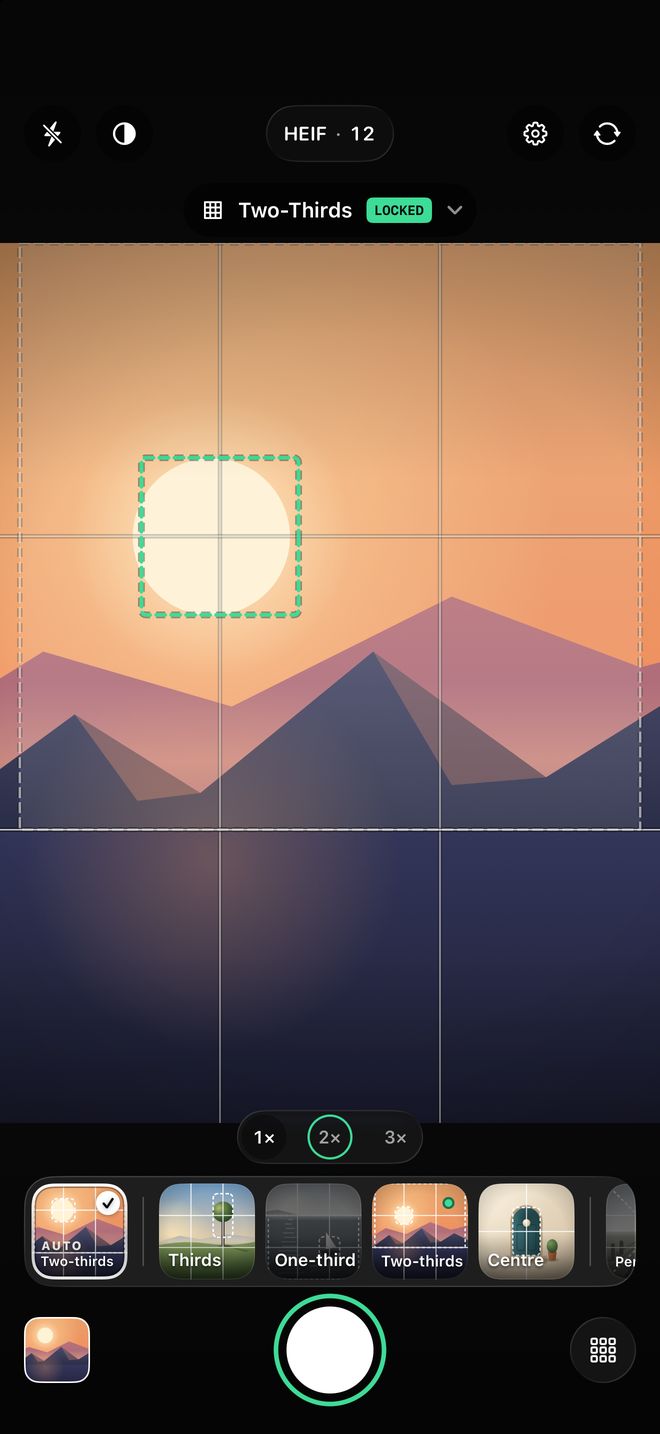
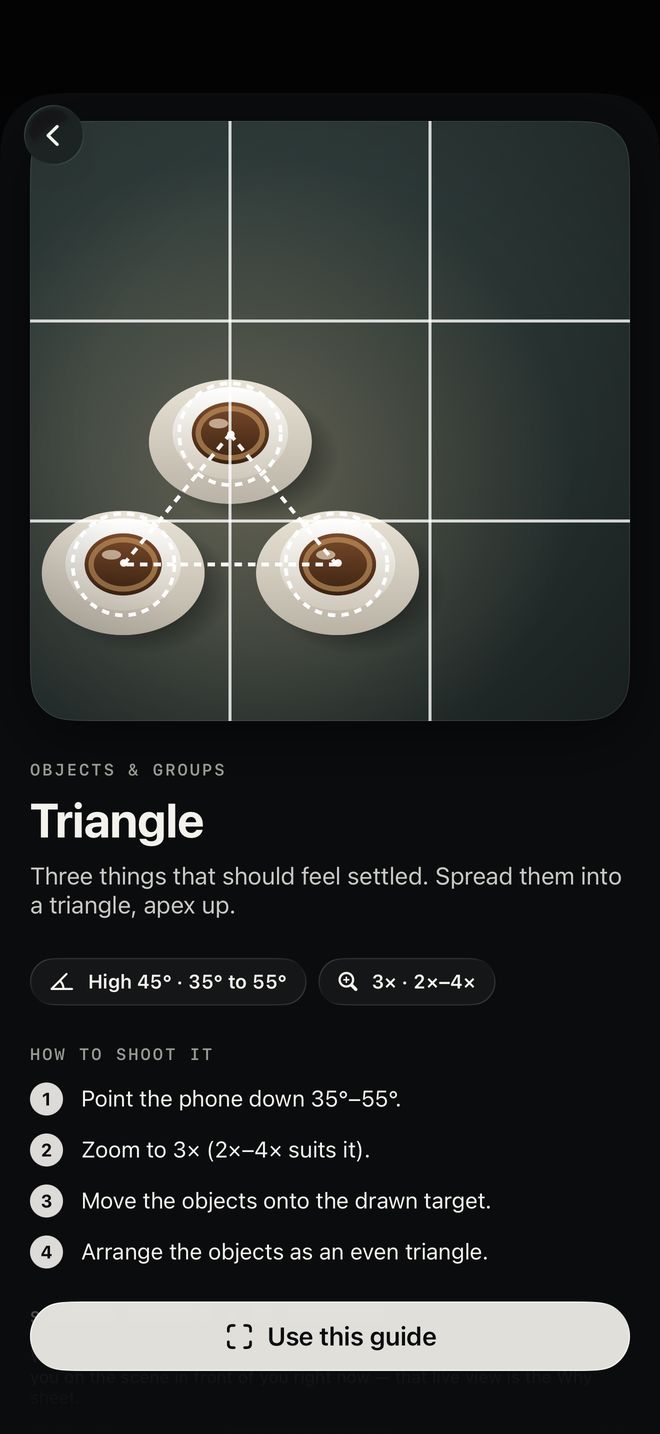
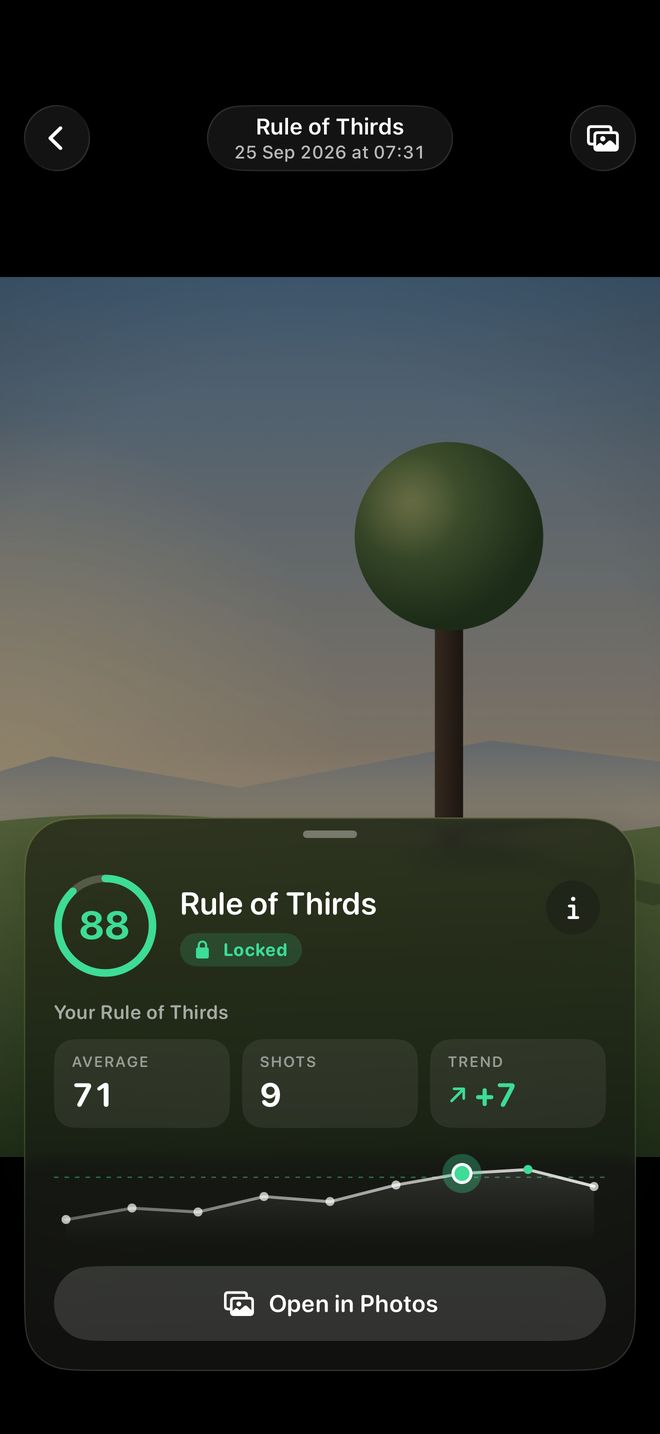
Try it: lay a guide over my photo
The same Brooklyn Bridge shot, six ways of reading it. The app makes this choice for you, live, as you aim.

Rule of thirds: put the subject on one of the four crossings.
A few of the 31 guides
Hover over one (tap on a phone) to see the grid it uses.
 Rule of thirds
 Golden spiral
 Leading lines
 Reflection
 Negative space
 Triangle
 Half-body portrait
 Table top 45°
A decision I measured
I tried Apple’s on-device language model to pick the guide. It took six to seven seconds to answer on an iPhone 16 Pro Max, far too slow to aim with. So the scene engine is plain rules, and answers in milliseconds.
| Option | Time per answer | Choice |
|---|---|---|
| On-device language model | 6 – 7 seconds | Too slow to aim with |
| Rule-based scene engine | Milliseconds | Shipped |